Keep more margin.
Keep your price and reduce cloud processing costs for local requests.
A local option for your product
Run suitable AI features on customers’ devices through Oryn Browser. Keep your product and your existing experience in other browsers.
Interactive product illustration · no model runs on this page.
01 / The business case
When a suitable task runs on the customer’s device, you pay no cloud inference fees for that work. Choose what to do with the savings.
Keep your price and reduce cloud processing costs for local requests.
Create a cheaper local tier or include more AI features to give customers a reason to choose you.
Bring a familiar business model to suitable AI features, with the customer’s device doing the processing.
These are possible business offers. Development, hosting, support, advertising operations and any cloud fallback still have costs. Customers supply device power.
02 / Estimate your savings
Pick a model. Set your usage. See what you could save.
03 / Ideas in action
See what’s already possible with Oryn Browser. Explore these demos for ideas you could bring to your own product.
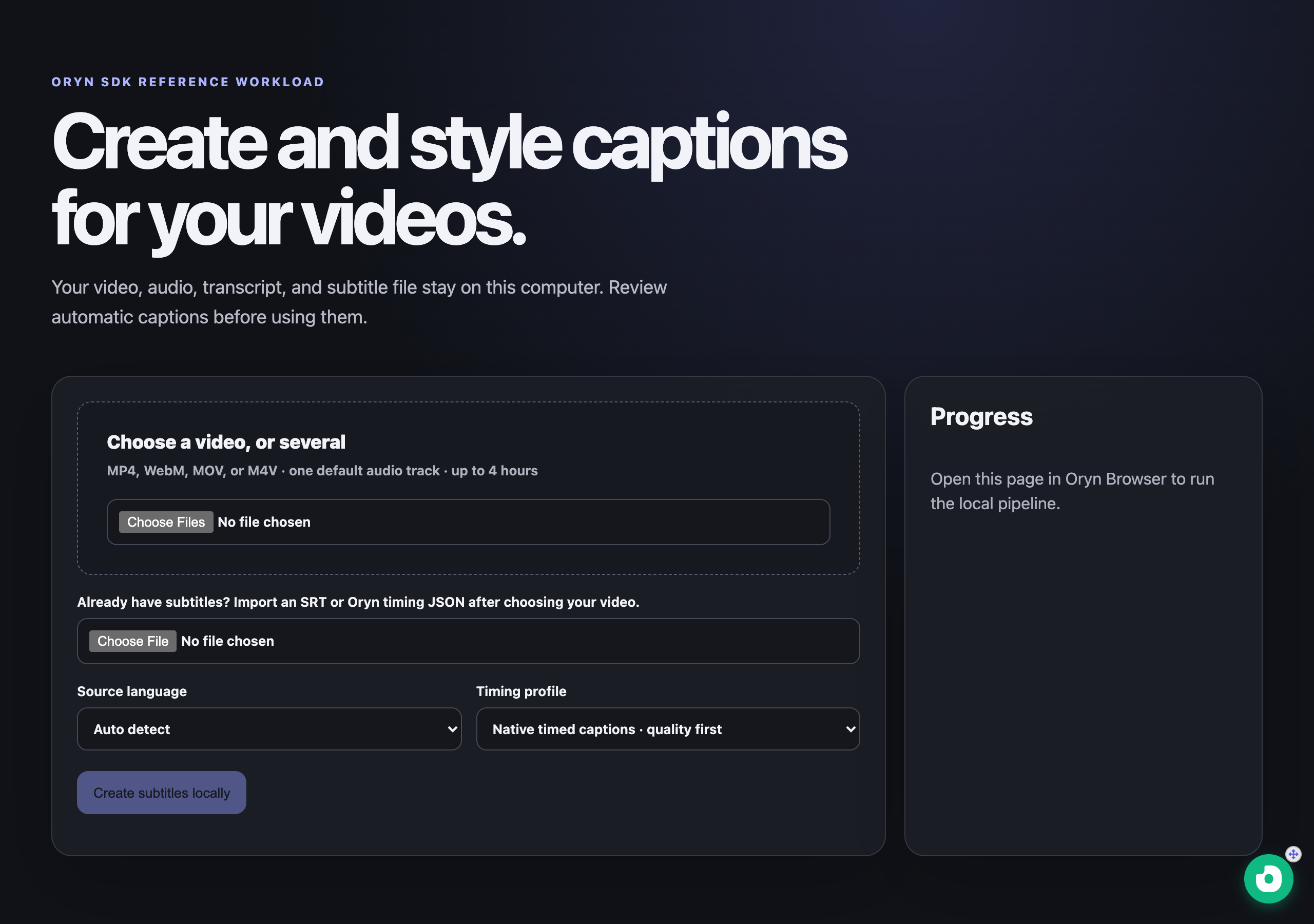
VideoFeatured demo
Start with a video or import an SRT file. Edit the words, choose a caption style and preview the result before exporting. Save subtitles separately, or render them into the video.
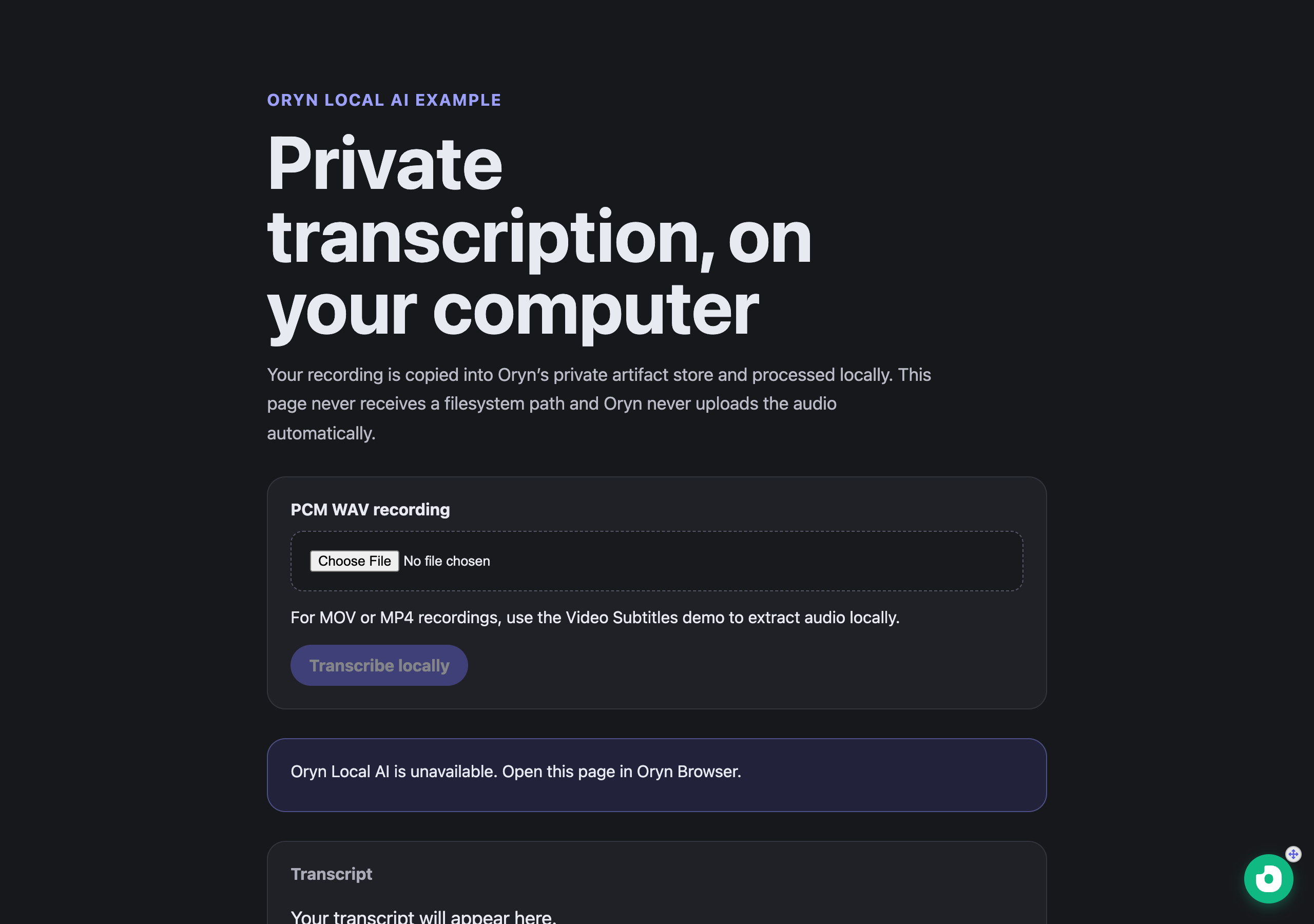
Audio
Choose a PCM WAV recording and approve the local transcription request. Read the resulting text in the same website. For video files, use Video Caption Studio.
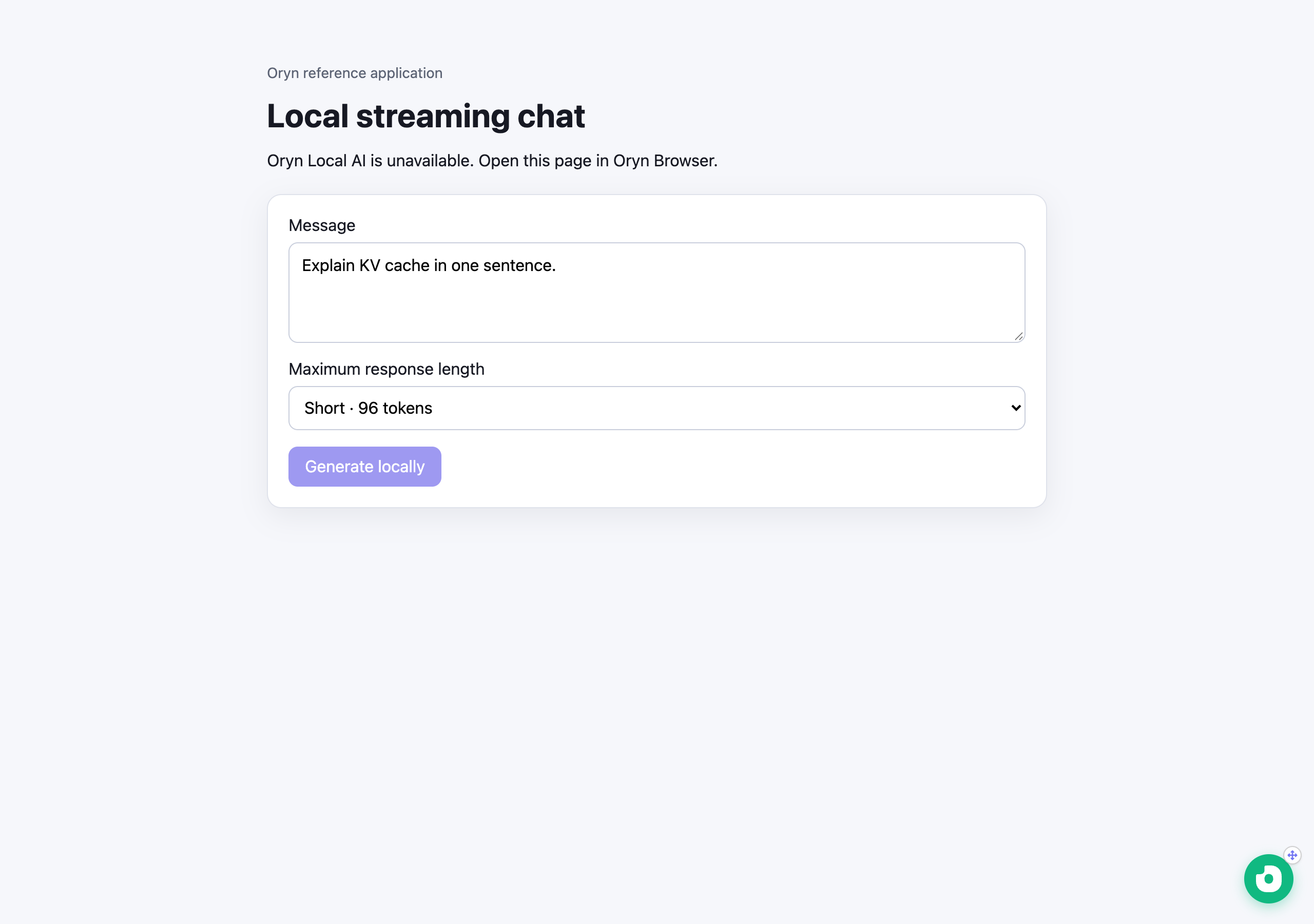
Text
Enter a prompt and watch the answer appear as the local model writes it. You can cancel generation at any time.
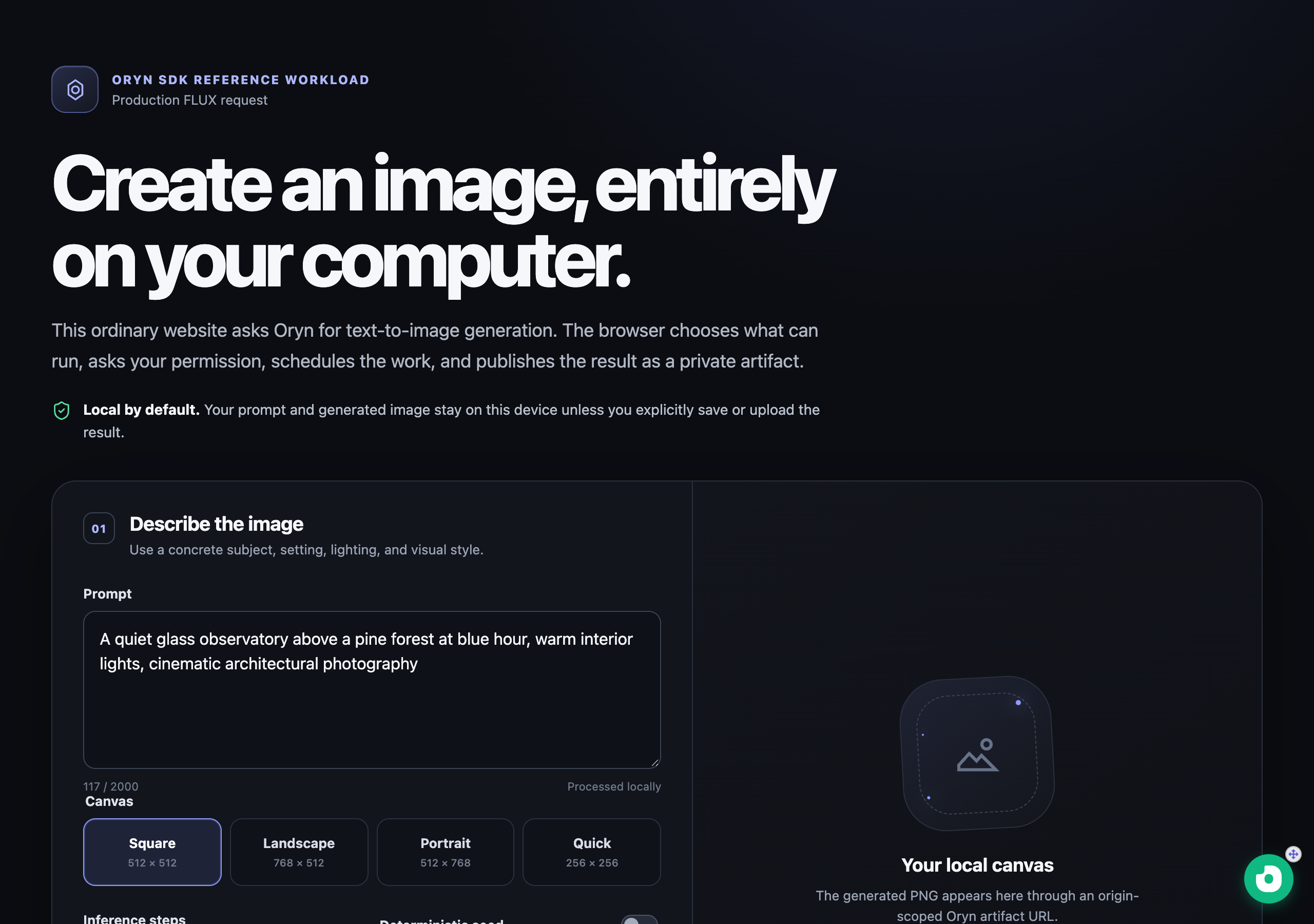
Image
Write a prompt, generate an image and preview it in the app. Save the result as a PNG. Quality and hardware requirements depend on the selected model.
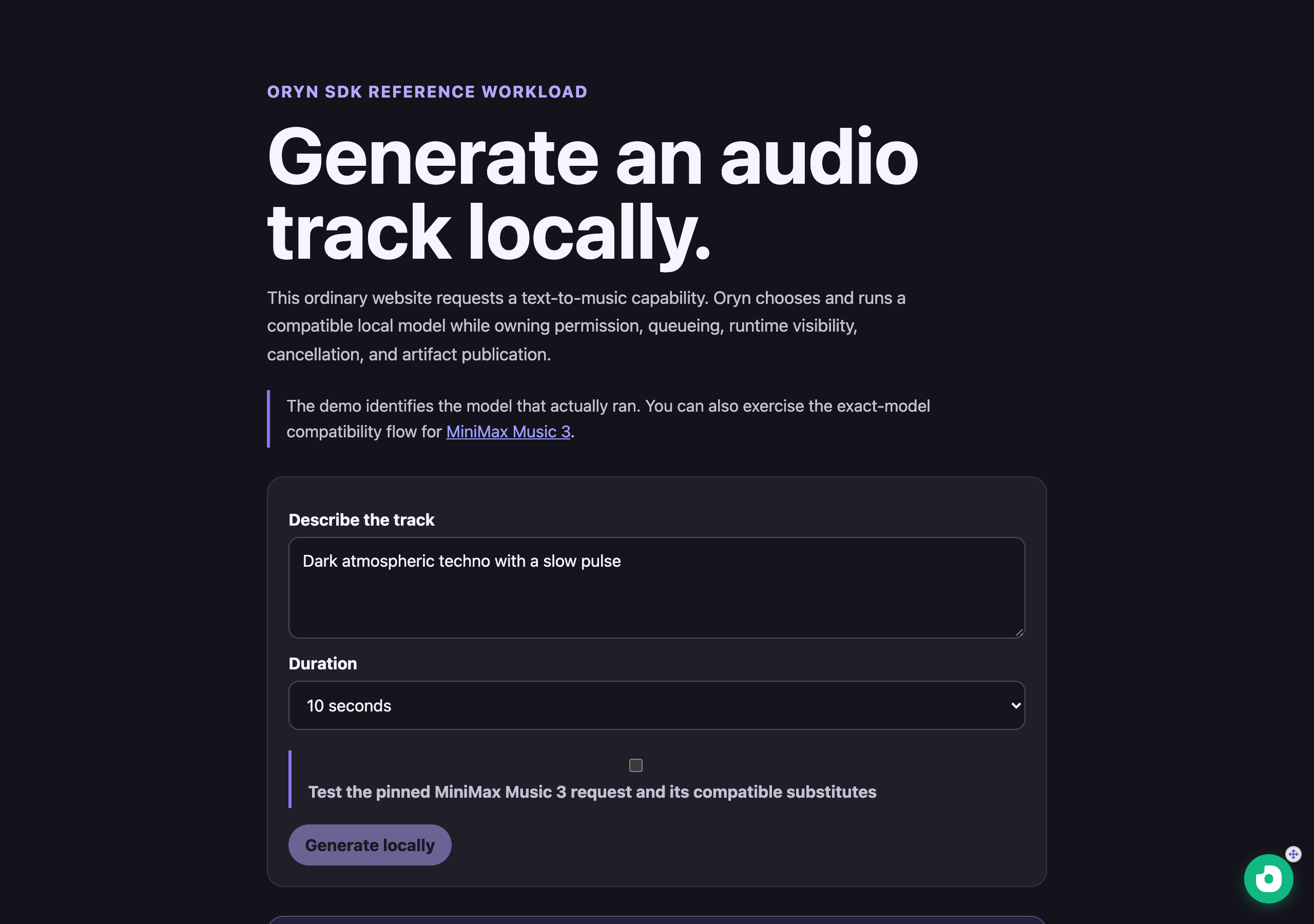
Music
Choose a prompt and duration, then listen to the generated track in the app. Save it as a WAV file to use in your own project.
04 / Fit it to your product
Your team adds suitable AI features with the Oryn Browser SDK. Keep your website, interface and customer relationship.
Customers in Chrome, Safari and other browsers keep your existing experience. Your app provides the alternative when local AI is unavailable or declined.
05 / Before you commit
Choose a bounded task with repeat usage, a clear quality bar and customers willing to try the local option. Prefer a feature you can compare with your current experience. Start with its actual inputs and output requirements, then test supported models.
Judge it on representative work from your product. A model fine-tuned with your own tools may help a narrow task, but its exported files still need a supported execution path in Oryn. Compare output quality and device performance before choosing it.
It can keep the AI computation on your customer’s device instead of sending those inputs to a cloud AI provider. Your website receives the authorized result. Explain what your app stores, uploads or sends to analytics, and disclose any cloud alternative separately.
Oryn is in developer alpha for Apple Silicon Macs. The browser DMG is available to download. The public SDK registry package is still pending, and commercial pricing has not been announced. Before a rollout, establish the applicable browser, SDK and model licenses, the support arrangement and who owns failures or fallback in your product.