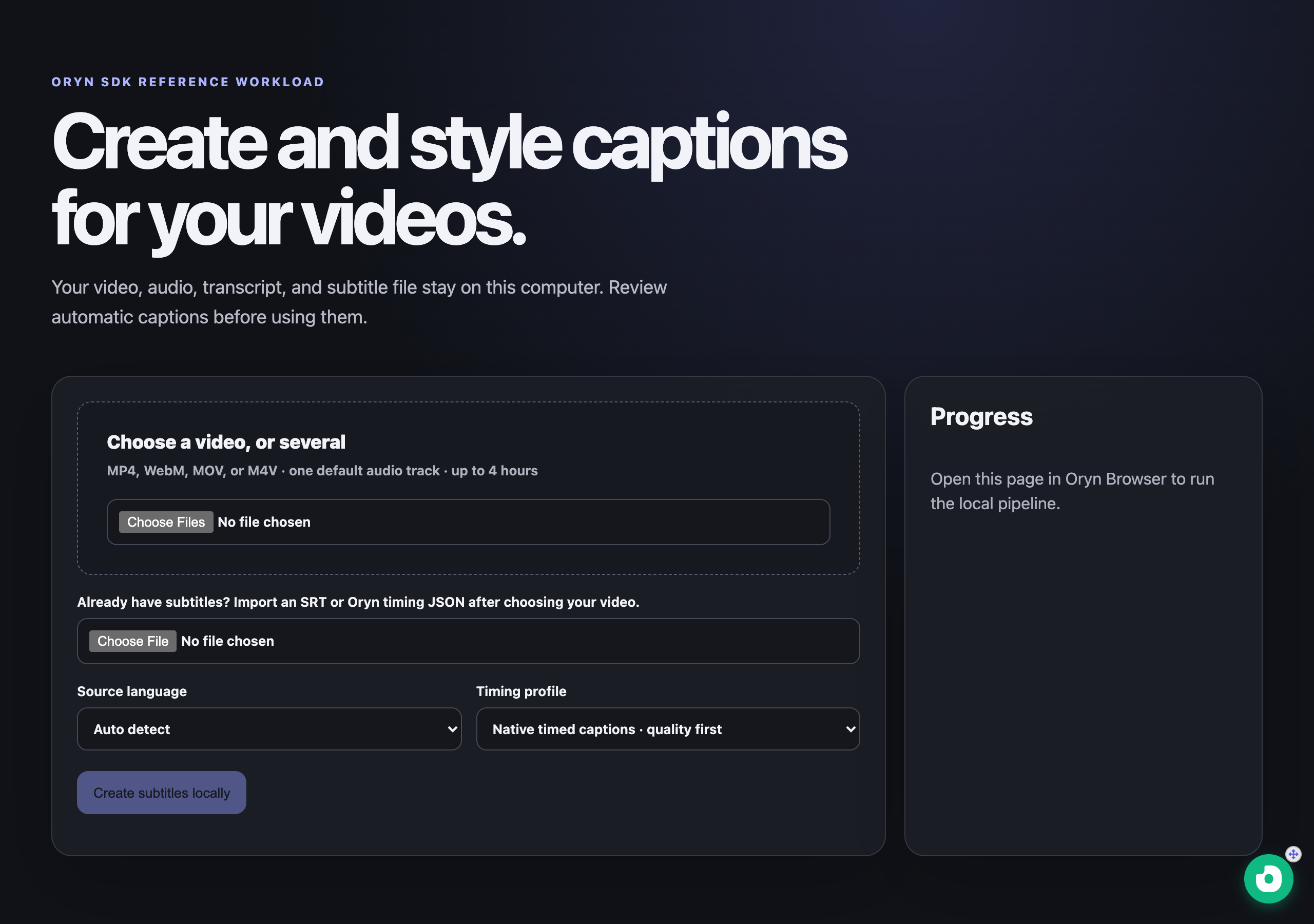
VideoFeatured demo
Video Caption Studio
Choose a video or import an SRT file. Review the transcript, adjust caption styles and position, then export subtitles or render them into the video.
A completed local AI result
Inspect a recorded result without installing Oryn. Explore the live app interfaces when you are ready.
A saved local execution
 Actual generated output · 256 × 256 PNG
A finished result
This image is a saved output from an Oryn local image-editing run. Open the finished PNG here, in your current browser.
Recorded in an engine test with synthetic input. This is an image-editing result, not a capture of the hosted Image Generator demo.
Save the original PNG ↗Apps you can explore
Caption a video, transcribe audio or create something new. These websites use Oryn for their local AI features.
Start with one useful task on your Apple Silicon Mac. You can use Oryn for compatible AI apps alongside your current browser.
VideoFeatured demo
Choose a video or import an SRT file. Review the transcript, adjust caption styles and position, then export subtitles or render them into the video.
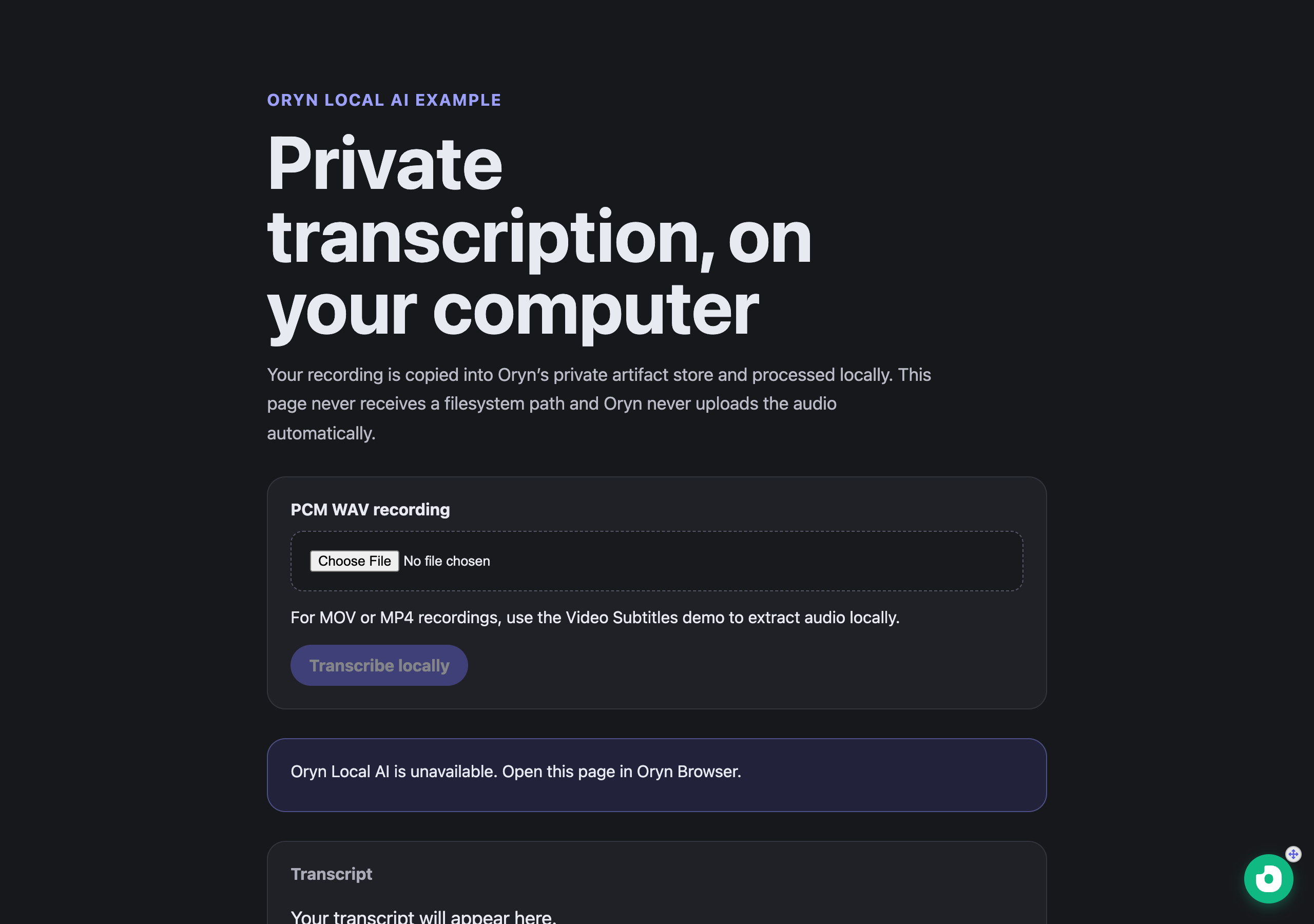
Audio
Choose a PCM WAV recording and approve the local transcription request. Read the resulting text in the app. For video input, start with Video Caption Studio.
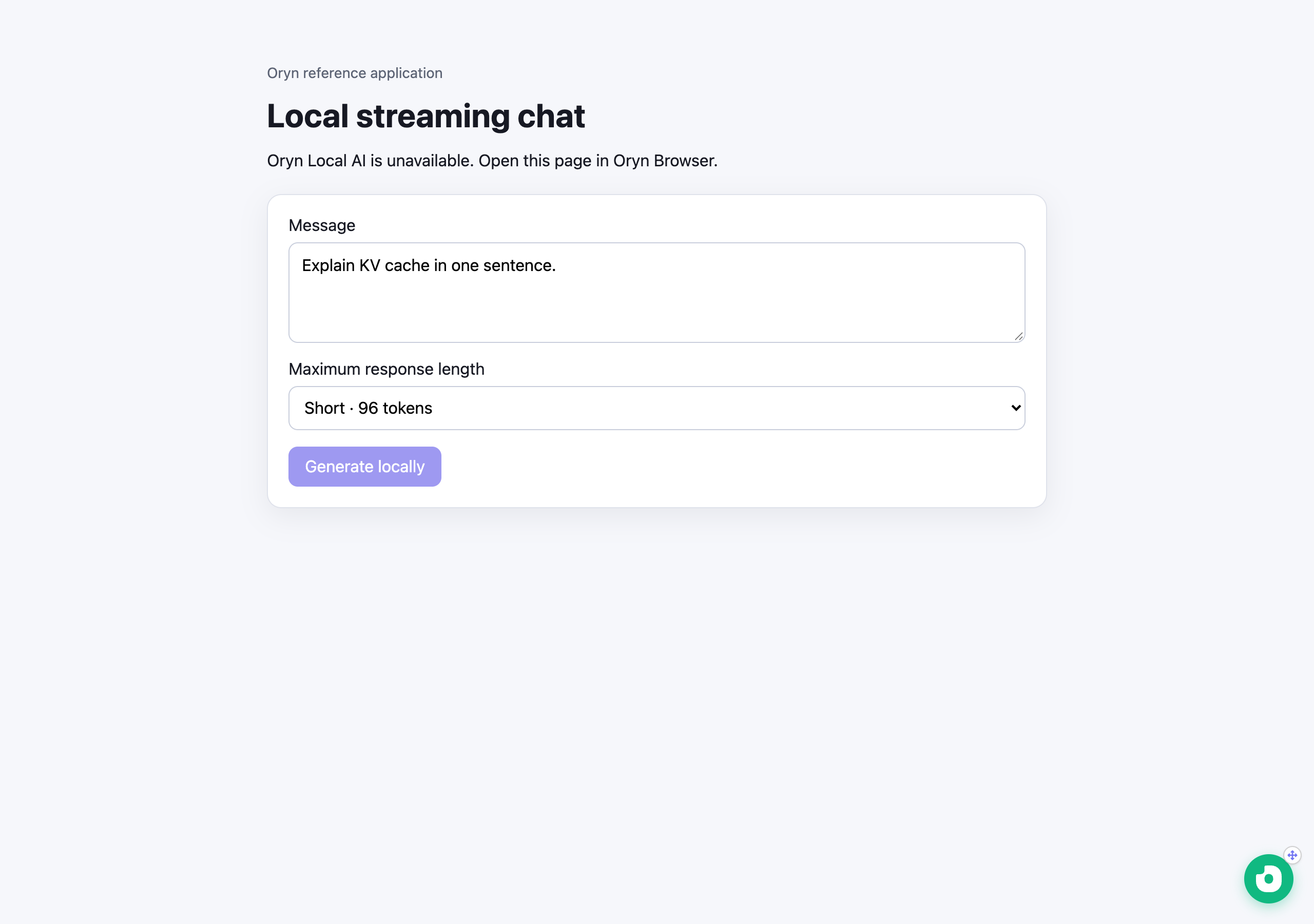
Text
Enter a prompt, watch the local model write its answer and cancel generation whenever you need to.
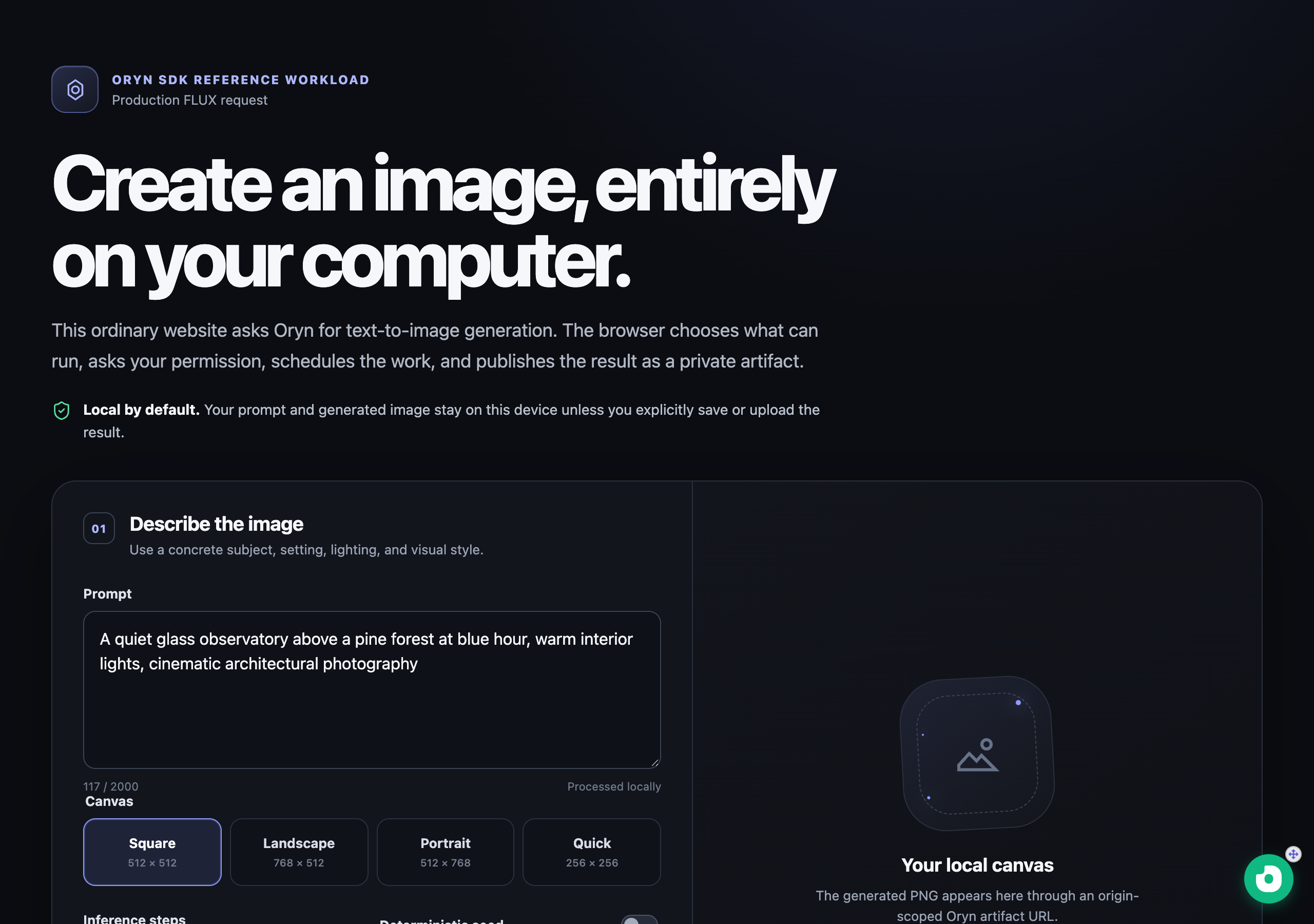
Image
Write a prompt, generate an image and save the result. Output quality, memory use and speed depend on the model and device.
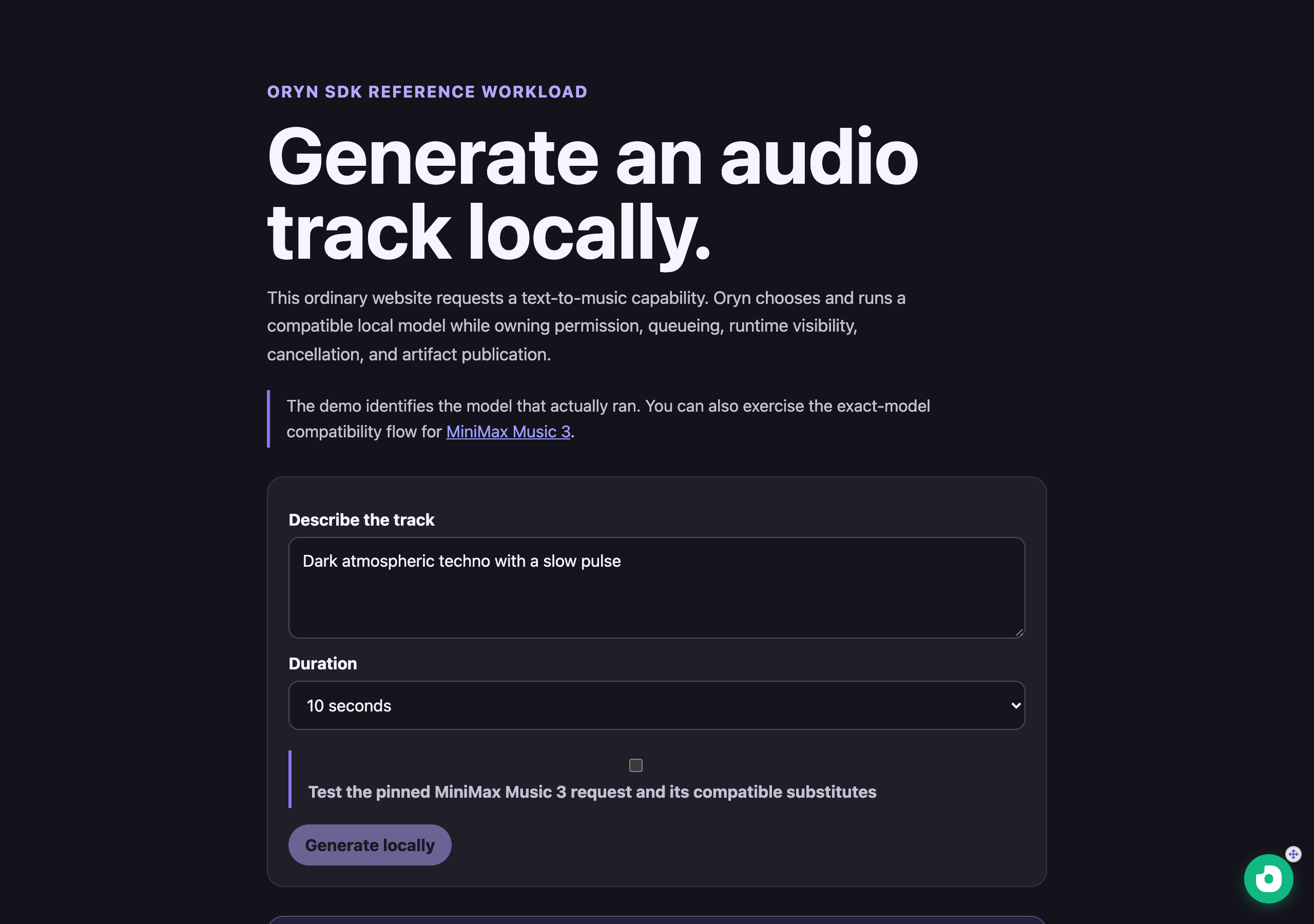
Music
Choose a prompt and duration, listen to the generated track and save it as a WAV file.
The app interfaces open on the web. Local AI runs in Oryn Browser, which is currently in developer alpha. Read access status
Developer alpha · Apple Silicon
Get the developer alpha for Apple Silicon Macs and try local AI apps on your computer.